
WinToUSB v7.8 (x86-x64) (All Editions) + Fix
Size
35 MB
Seeders
0
Leechers
0
Files
3
Category
Added
02/11/23 at 10:48pm GMT+1
Status
Infohash
29ec7c19ecdcdc808595afd5c7f9b94a7c929964


Description
Visit for more apps - CracksHash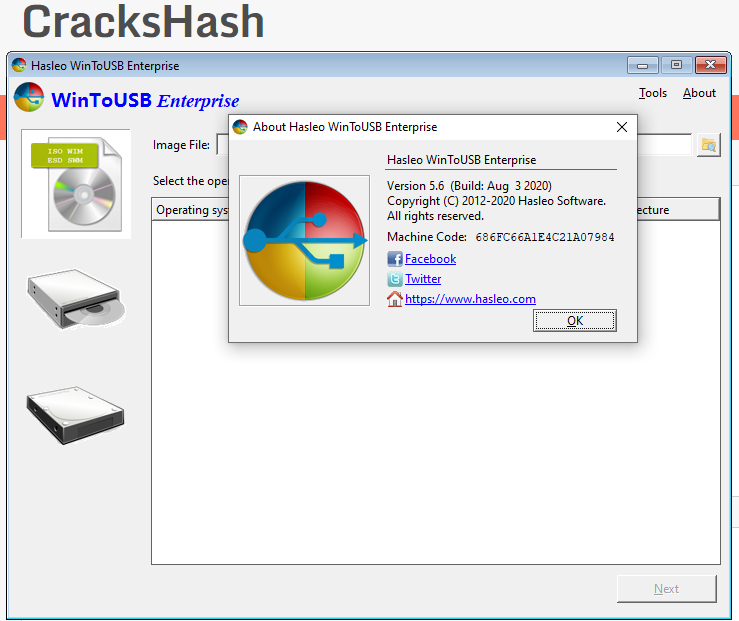
WinToUSB v7.8 (x86/x64) (All Editions) + Fix {CracksHash}
WinToUSB is the best Windows To Go Maker that allows you to install and run Windows operating system on a USB hard drive or USB flash drive, using an ISO image or CD/DVD drive as the source of installation. Starting from version 2.0, you can clone current Windows OS installation (Windows 7 or later) to a USB drive as a Windows To Go Workspace. WinToUSB also supports creating a bootable WinPE USB drive, it can help you transfer the contents of WinPE to a USB drive and make the drive bootable.
WinToUSB's key features include
• Easy-to-use wizard interface that provides step-by-step instructions for creating a Windows To Go USB drive.
• Creation of Windows To Go from an ISO image file or CD/DVD drive.
• Clone an existing Windows OS (Windows 7 or later) to a USB Drive as a Windows To Go Workspace.
• Use of a Non-Enterprise Edition of Windows 10/8.1/8/7 to create Windows To Go Workspace.
• Creation of Windows To Go on Non•Certified Windows To Go USB Drive.
Extra features of the Enterprise Edition
• Clone current Windows OS (Enterprise edition of Windows 10/8.1/8/7) to a USB drive as a Windows To Go Workspace
• Clone current Windows OS which on a dynamic disk to a USB drive as a Windows To Go Workspace
• Clone current Windows OS which on a USB disk (Windows To Go USB drive) to other USB drives as a Windows To Go Workspace
Important notes -
• Windows 7 is not completely portable. You may have driver problems when booting on different computers, so highly recommend using Windows 10/8.1/8 to create portable Windows.
• Windows 7 does not have built•in USB 3.0 support, so Windows 7 will have to be booted from a USB 2.0 port.
• The common USB flash drives are very slow. It takes a long time to install and run Windows from a common USB flash drive, highly recommend using a USB hard disk, a Windows To Go Certified Drives or a SanDisk Extreme CZ80 USB 3.0 Flash Drive to create portable Windows.
• Windows To Go drives can be booted on different computers, so you can carry it to anywhere and use it on any computer.
• You need to be an administrator on the computer you are installing the WinToUSB on.
Instructions and Fix is provided in the files
Virus Total links -
Setup - https://www.virustotal.com/gui/file/616490b689aee9af4e436642e73496227a3c384983162b3a70046c8fb4a16d52
Crack - https://www.virustotal.com/gui/file/0abaf1da1304ba02d6240d506eae102a22fbda6b2da2b8c47516fe1ff21b6851
Hybrid -
Setup - https://www.hybrid-analysis.com/sample/616490b689aee9af4e436642e73496227a3c384983162b3a70046c8fb4a16d52
Crack - https://www.hybrid-analysis.com/sample/0abaf1da1304ba02d6240d506eae102a22fbda6b2da2b8c47516fe1ff21b6851

Quote:CracksHash always
File list
- WinToUSB v7.8 (x86-x64) (All Editions) + Fix


Rating
Similar torrents
| Name | Size | Date | |||
|---|---|---|---|---|---|
WinToUSB v7.2 (x86+x64) (All Editions) + Fix Verified in Software | 35 MB | 10/10/22 | 5 | 0 | |
| 36 MB | 02/25/23 | 2 | 0 | ||
| 38 MB | 10/08/25 | 1 | 0 | ||
WinToUSB v7.8 (x86-x64) (All Editions) + Fix Verified in Software | 72 MB | 02/16/23 | 1 | 0 | |
| 110 MB | 07/19/26 | 0 | 0 | ||
| 49 MB | 08/02/23 | 0 | 1 | ||
WinToUSB v7.8 (x86-x64) (All Editions) + Fix Verified in Software | 33 MB | 06/27/23 | 0 | 0 | |
| 50 MB | 04/08/23 | 0 | 1 | ||
WinToUSB v7.8 (x86-x64)(All Editions + Fix Verified in Software | 36 MB | 02/22/23 | 0 | 1 | |
WinToUSB v7.2 (x86+x64) (All Editions) + Fix Verified in Software | 36 MB | 02/19/23 | 0 | 1 | |
WinToUSB v7.8 (x86-x64)(All Editions + Fix Verified in Software | 36 MB | 02/16/23 | 0 | 1 | |
WinToUSB v7.5 (All Editions) (x64-x86) + Fix Verified in Software | 30 MB | 02/12/23 | 0 | 1 | |
WinToUSB v7.6 (x86-x64) (All Editions) + Fix Verified in Software | 35 MB | 01/16/23 | 0 | 0 | |
WinToUSB v7.5 (All Editions) (x64-x86) + Fix Verified in Software | 35 MB | 01/08/23 | 0 | 0 |