Don't like banners? Log in and we will make sure you see no banners. For free.
Getting Started with Microsoft Power Automate

Getting Started with Microsoft Power Automate

Size
589 MB
Seeders
5
Leechers
0
Files
59
Category
Added
at 8:38pm GMT+1
Infohash
56f2bbee0d7e65f3572285b3d2fb2fec893021ce
Don't like banners? Log in and we will make sure you see no banners. For free.

Description
Getting Started with Microsoft Power Automate - Pluralsight

English | Size: 588.71 MB
Genre: eLearning


The Microsoft Productivity cloud is used by more than 250 million users daily – and is the productivity platform of choice for most enterprises in the world. Microsoft Power Automate, part of the Microsoft Power Platform is a business process automation tool that allows you to streamline and automate business processes. In this course, Getting Started with Microsoft Power Automate, you will learn foundational knowledge of Microsoft Power Automate. First, you will learn the basic terms and concepts of Microsoft Power Automate. Next, you will discover how to create your own cloud and business process workflows. Finally, you will learn how to create workflows that integrate with Microsoft Teams. When you’re finished with this course, you will have the skills and knowledge of Microsoft Power Automate needed to automate business processes in your own organization!

File list
  • Getting Started with Microsoft Power Automate
  • 01. Course Overview/01. Course Overview.mp4 3.3 MB
  • 02. The Basics of Microsoft Power Automate/02. Module Introduction.mp4 2 MB
  • 02. The Basics of Microsoft Power Automate/03. Introduction to Power Automate.mp4 6.8 MB
  • 02. The Basics of Microsoft Power Automate/04. Power Automate Terms And Concepts.mp4 9.2 MB
  • 02. The Basics of Microsoft Power Automate/05. Power Automate User Interface.mp4 6.4 MB
  • 02. The Basics of Microsoft Power Automate/06. Demo-Power Automate User Interface.mp4 11.3 MB
  • 02. The Basics of Microsoft Power Automate/07. Module Conclusion.mp4 1.1 MB
  • 03. Creating your first Cloud Flows/08. Module Introduction.mp4 1.2 MB
  • 03. Creating your first Cloud Flows/09. Creating A Cloud Flow From A Template.mp4 3.2 MB
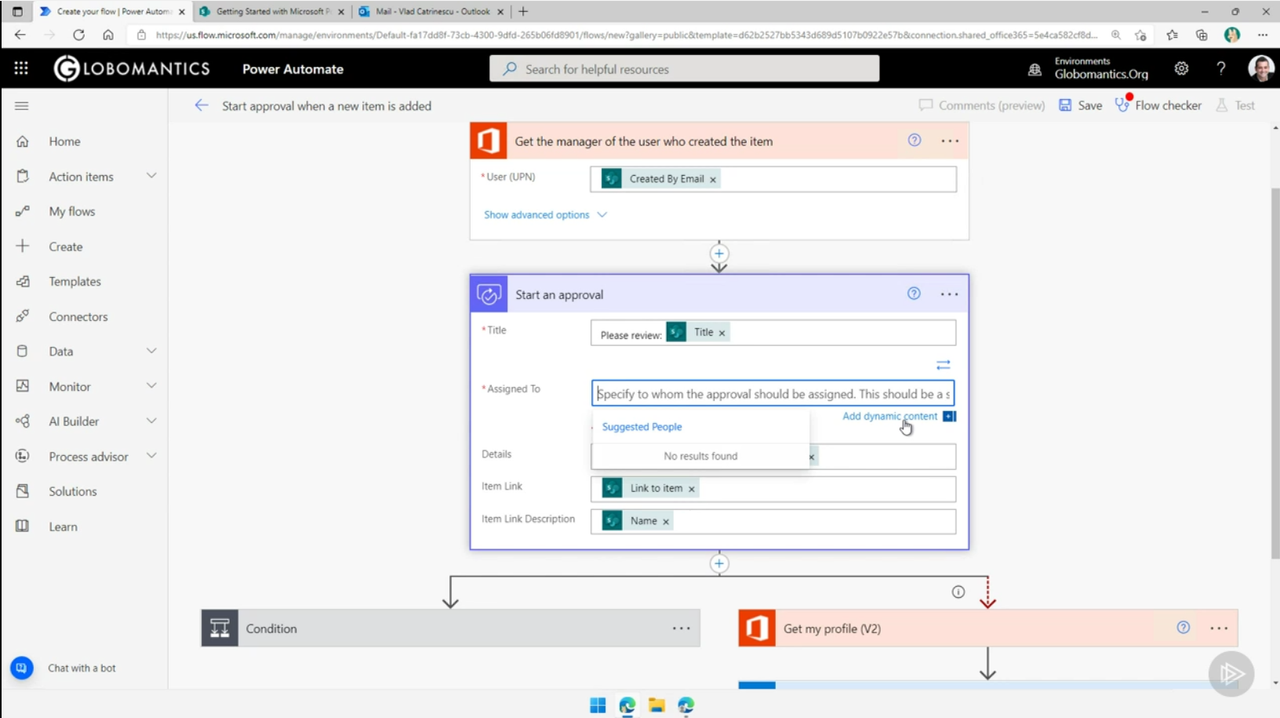
  • 03. Creating your first Cloud Flows/10. Demo-Send an Approval Email When a New Item Is Added to a SharePoint List.mp4 51.7 MB
  • 03. Creating your first Cloud Flows/11. Demo-Copy Files Between Dropbox and SharePoint.mp4 14.6 MB
  • 03. Creating your first Cloud Flows/12. Demo-Creating an Automated Cloud Flow.mp4 25.3 MB
  • 03. Creating your first Cloud Flows/13. Demo-Creating an Instant Cloud Flow.mp4 25.4 MB
  • 03. Creating your first Cloud Flows/14. Demo-Creating a Scheduled Cloud Flow.mp4 12 MB
  • 03. Creating your first Cloud Flows/15. Module Conclusion.mp4 1 MB
  • 04. Creating Advanced Cloud Flows/16. Module Introduction.mp4 1.6 MB
  • 04. Creating Advanced Cloud Flows/17. Loops.mp4 2.5 MB
  • 04. Creating Advanced Cloud Flows/18. Demo-Apply to Each Loop.mp4 23.5 MB
  • 04. Creating Advanced Cloud Flows/19. Demo-Do Until Loop.mp4 54.4 MB
  • 04. Creating Advanced Cloud Flows/20. Expressions.mp4 2.4 MB
  • 04. Creating Advanced Cloud Flows/21. Demo-Expressions.mp4 24.3 MB
  • 04. Creating Advanced Cloud Flows/22. Conditions and Switch Statements.mp4 3 MB
  • 04. Creating Advanced Cloud Flows/23. Demo-Conditions and Switch Statements.mp4 26.1 MB
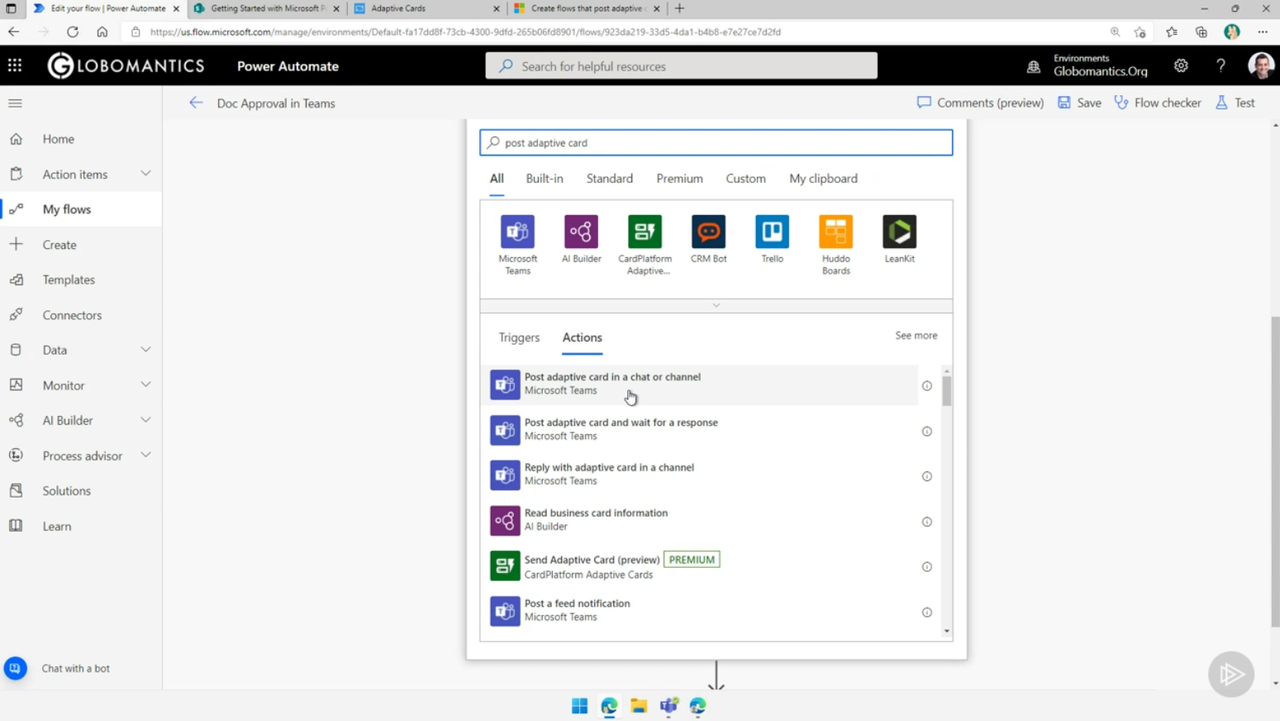
  • 04. Creating Advanced Cloud Flows/24. Power Automate and Approvals Teams Apps.mp4 3.6 MB
  • 04. Creating Advanced Cloud Flows/25. Demo-Power Automate and Approvals Apps in Teams.mp4 10 MB
  • 04. Creating Advanced Cloud Flows/26. Sending Microsoft Teams Messages with Power Automate.mp4 1.5 MB
  • 04. Creating Advanced Cloud Flows/27. Demo-Sending Messages in Microsoft Teams with Power Automate.mp4 24.1 MB
  • 04. Creating Advanced Cloud Flows/28. Teams Adaptive Cards.mp4 2.1 MB
  • 04. Creating Advanced Cloud Flows/29. Demo-Adaptive Cards in Microsoft Teams.mp4 36.6 MB
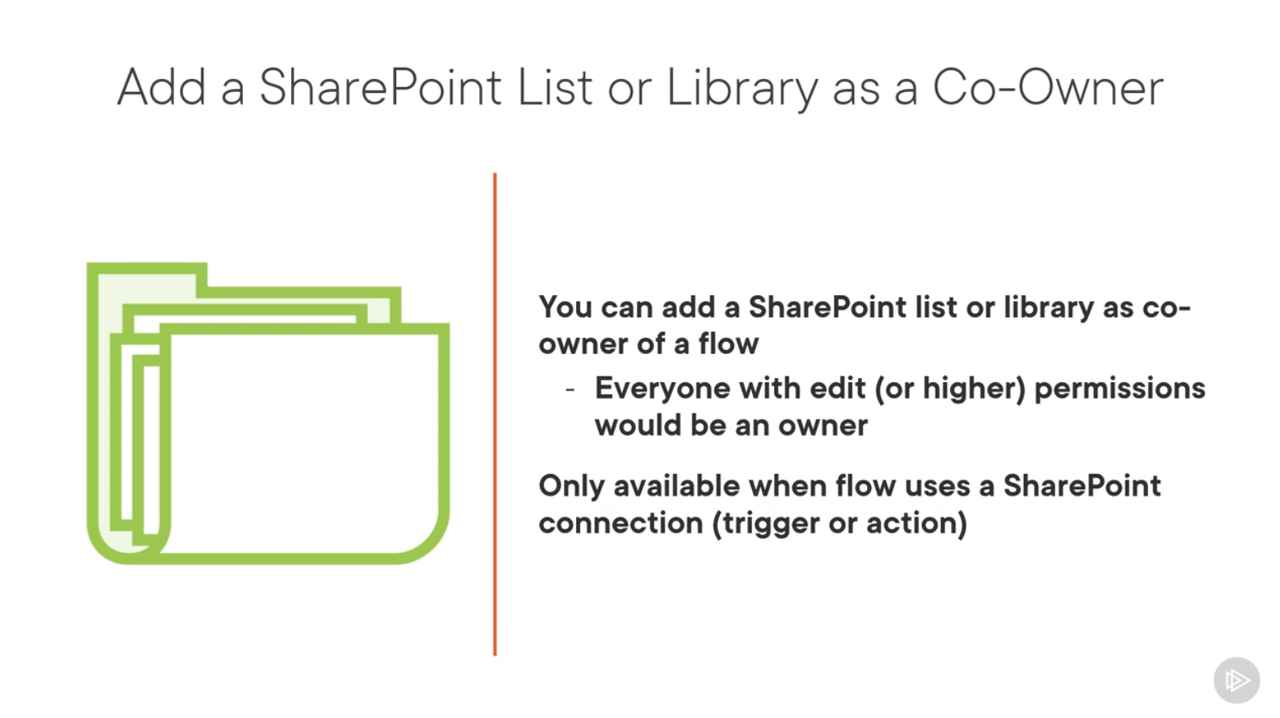
  • 04. Creating Advanced Cloud Flows/30. Sharing Cloud Flows.mp4 5.2 MB
  • 04. Creating Advanced Cloud Flows/31. Demo-Sharing Cloud Flows.mp4 21.2 MB
  • 04. Creating Advanced Cloud Flows/32. Designing Flows in Microsoft Visio.mp4 2.2 MB
  • 04. Creating Advanced Cloud Flows/33. Demo-Designing Flows in Microsoft Visio.mp4 14.4 MB
  • 04. Creating Advanced Cloud Flows/34. Module Conclusion.mp4 1.6 MB
  • 05. Creating Business Process Flows/35. Module Introduction.mp4 1011.9 KB
  • 05. Creating Business Process Flows/36. Introduction to Business Process Flows.mp4 8.9 MB
  • 05. Creating Business Process Flows/37. Creating a Business Process Flow.mp4 3.7 MB
  • 05. Creating Business Process Flows/38. Demo-Creating a Business Process Flow.mp4 25.6 MB
  • 05. Creating Business Process Flows/39. Adding Cloud Flows In a Business Process Flow.mp4 2.1 MB
  • 05. Creating Business Process Flows/40. Demo-Adding a Cloud Flow to a Business Process Flow.mp4 18.6 MB
  • 05. Creating Business Process Flows/41. Module Conclusion.mp4 1.1 MB
  • 06. Managing Power Automate/42. Module Introduction.mp4 3.3 MB
  • 06. Managing Power Automate/43. Introduction to Power Automate Administration.mp4 2.6 MB
  • 06. Managing Power Automate/44. Demo-Getting to the Power Platform Admin Center.mp4 4.2 MB
  • 06. Managing Power Automate/45. Power Platform Environments.mp4 7.5 MB
  • 06. Managing Power Automate/46. Demo-Managing Power Platform Environments.mp4 9.3 MB
  • 06. Managing Power Automate/47. Data Policies.mp4 6.7 MB
  • 06. Managing Power Automate/48. Demo-Creating a Data Policy.mp4 17.8 MB
  • 06. Managing Power Automate/49. Power Automate Analytics.mp4 2.9 MB
  • 06. Managing Power Automate/50. Demo-Power Automate Analytics.mp4 9.5 MB
  • 06. Managing Power Automate/51. Module Conclusion.mp4 1.2 MB
  • 07. Conclusion/52. Course Conclusion.mp4 16.3 MB
  • Exercise Files/02/the-basics-of-microsoft-power-automate-slides.pdf 1.9 MB
  • Exercise Files/03/creating-your-first-cloud-flows-slides.pdf 1.5 MB
  • Exercise Files/04/creating-advanced-cloud-flows-slides.pdf 2.8 MB
  • Exercise Files/04/demos/Links.txt 96 B
  • Exercise Files/05/creating-business-process-flows-slides.pdf 1.2 MB
  • Exercise Files/06/managing-power-automate-slides.pdf 1.8 MB
  • Exercise Files/07/conclusion-slides.pdf 2.1 MB

Rating
Not rated yet
Log in to rate

Comments

No comments yet.